
GPT Image Prompt Video Generator
Generate AI video with GPT Image Prompt using text, images, and multimodal references in a cleaner creative workflow.
What Changes When a Prompt Has to Produce Video
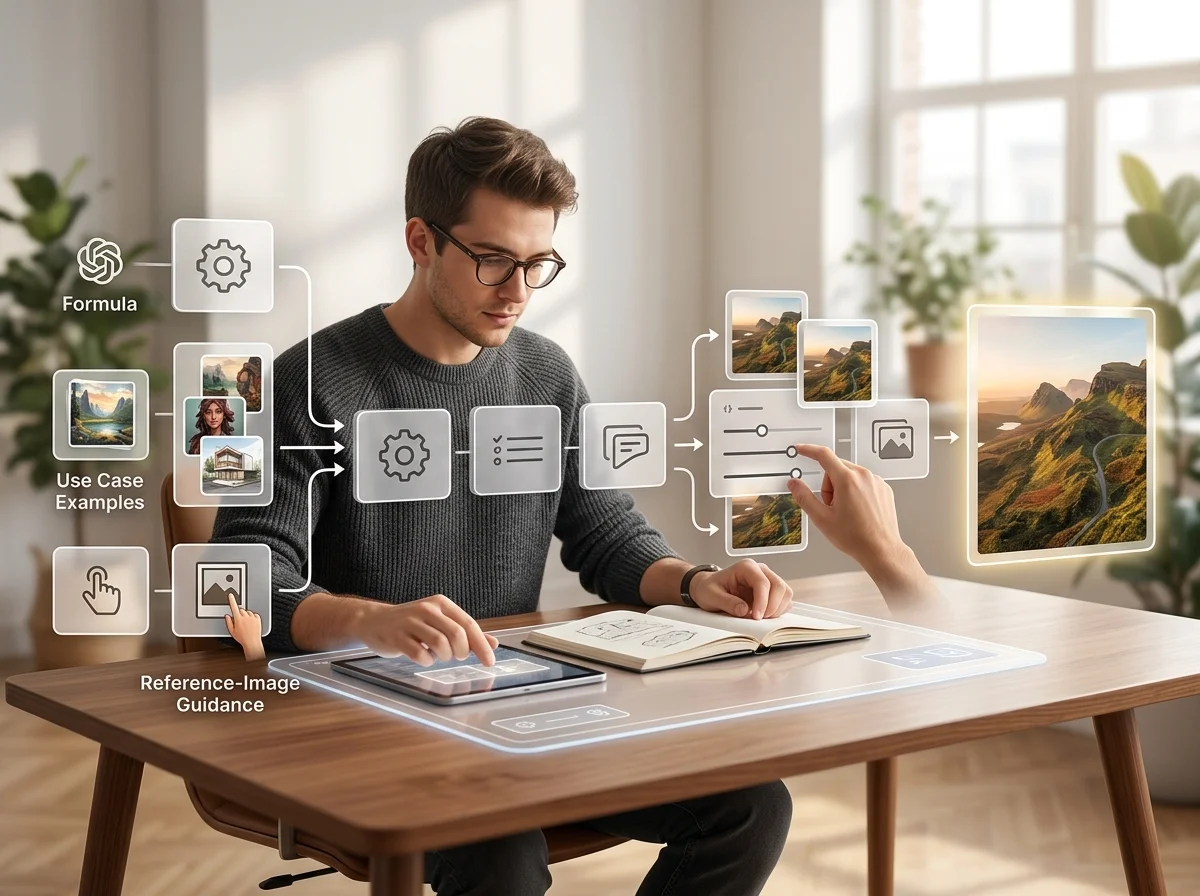
A video prompt is an image prompt plus time. Everything you already write - subject, composition, lighting - still applies, and then motion, camera and pacing have to be specified too, because a model that is not told how the shot moves will pick for you.
Motion is a separate field
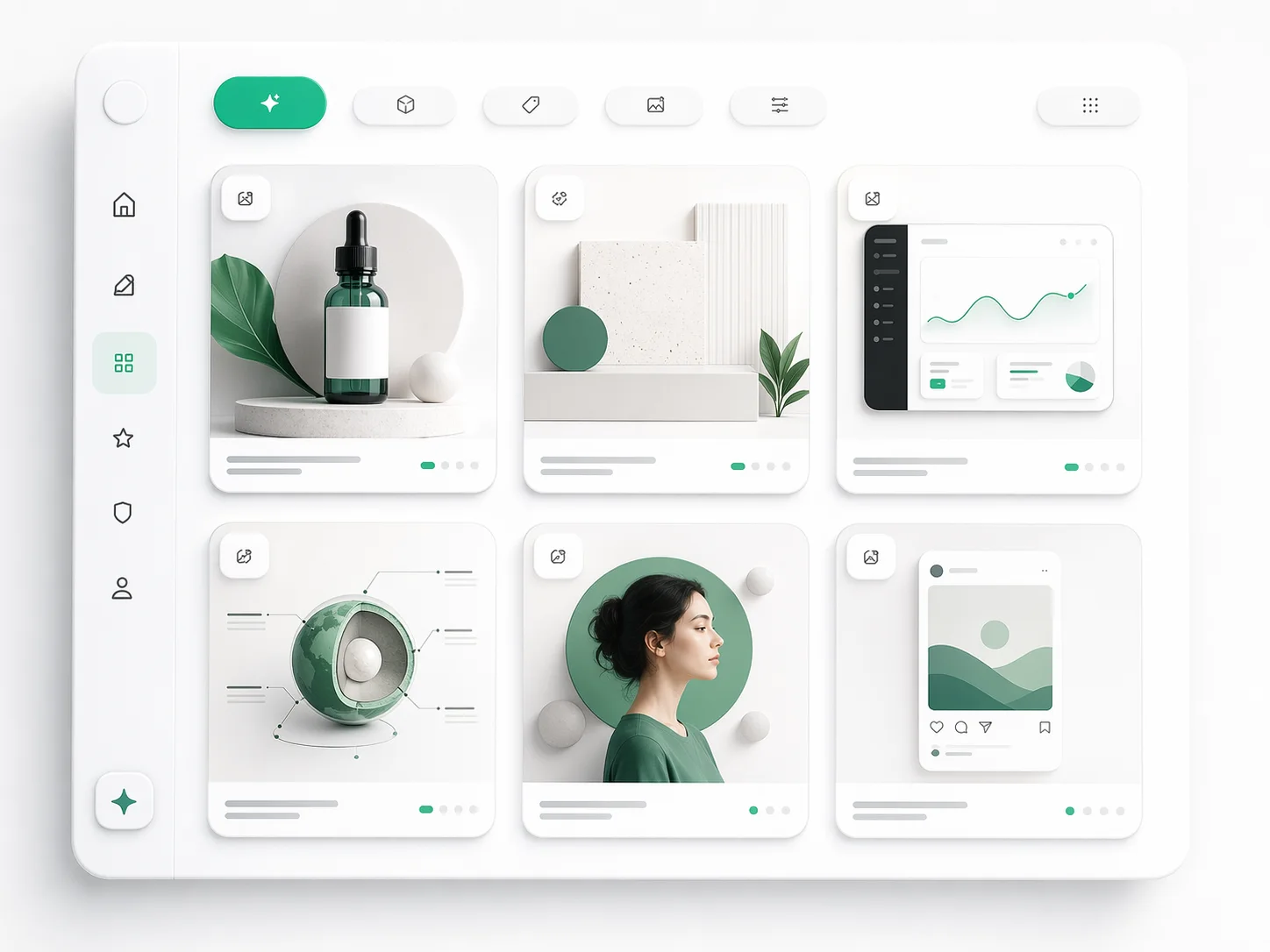
Describing the scene is not describing what happens in it. An unstated action produces arbitrary movement, which is the most common weak first result.
Camera language does real work
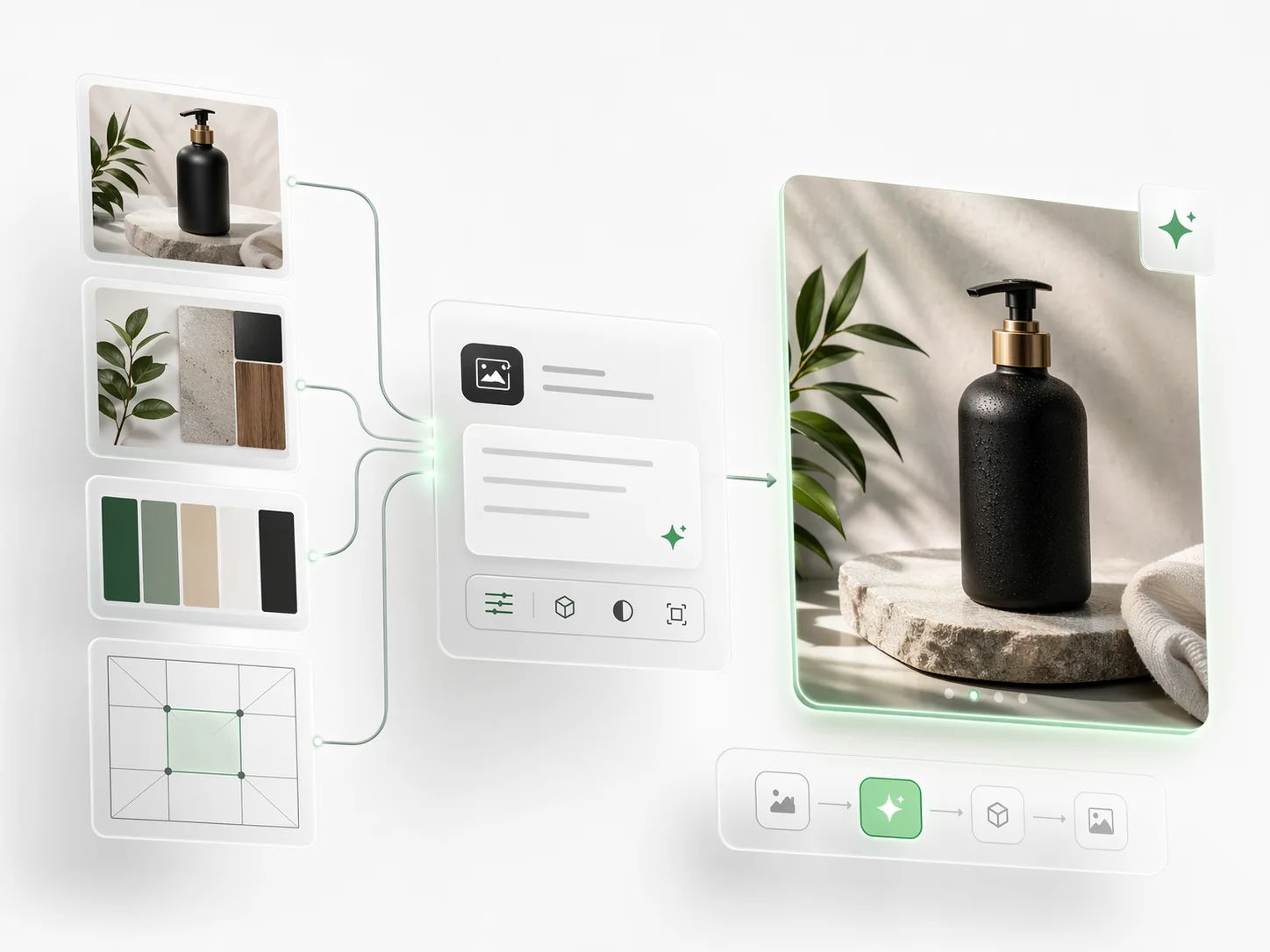
Slow push-in, tracking shot, locked off. These are the instructions that make a generated clip read as a shot rather than as drift.
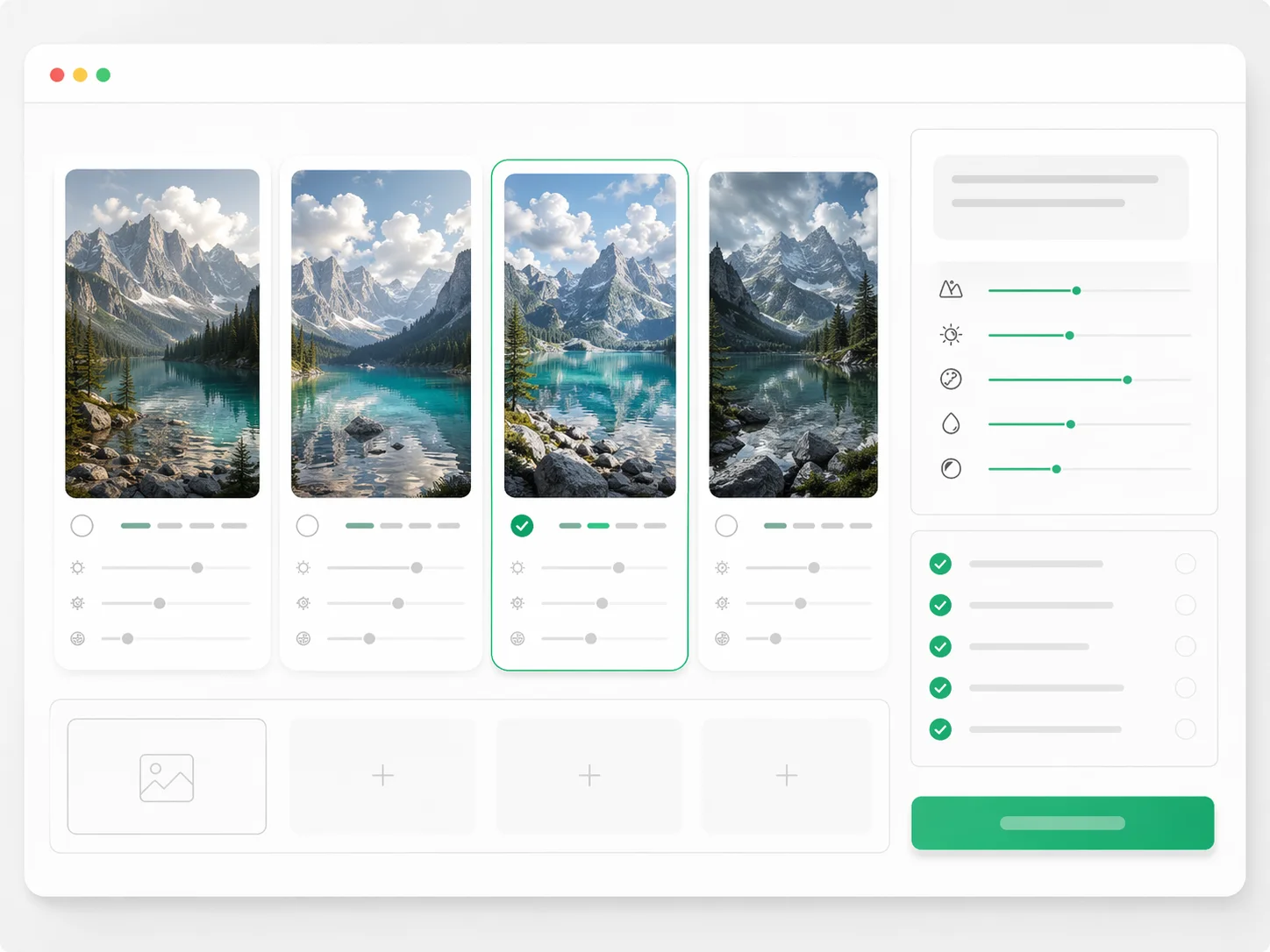
Pacing has to be said out loud
Slow, deliberate, brisk. Unspecified timing is why an otherwise correct clip feels wrong.
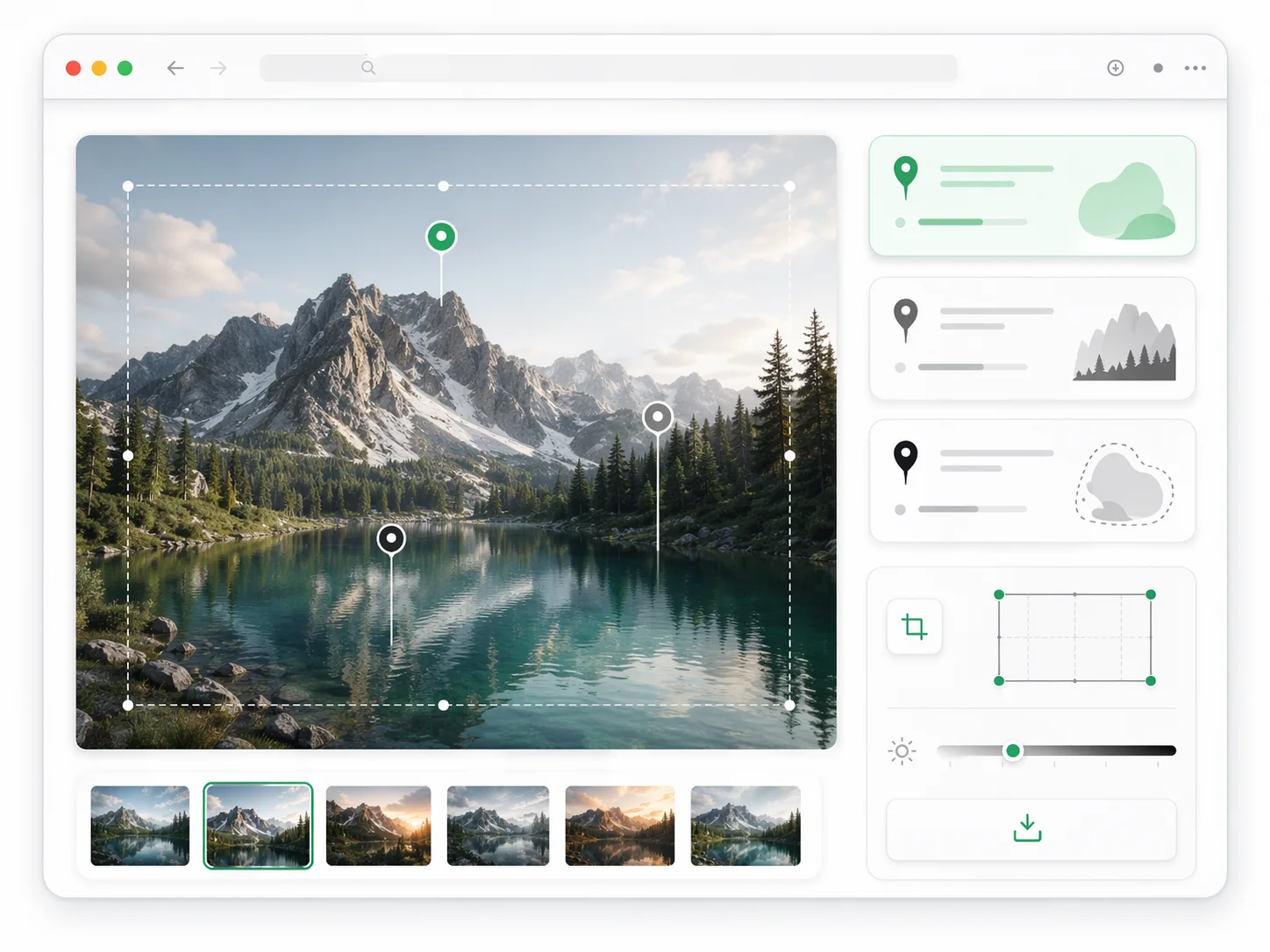
A still can anchor the shot
Supplying a first frame moves composition out of the prompt entirely, leaving the whole prompt budget for movement.
Why Structure a Video Prompt the Same Way
The habits that make image prompts repeatable transfer directly, with two fields added.
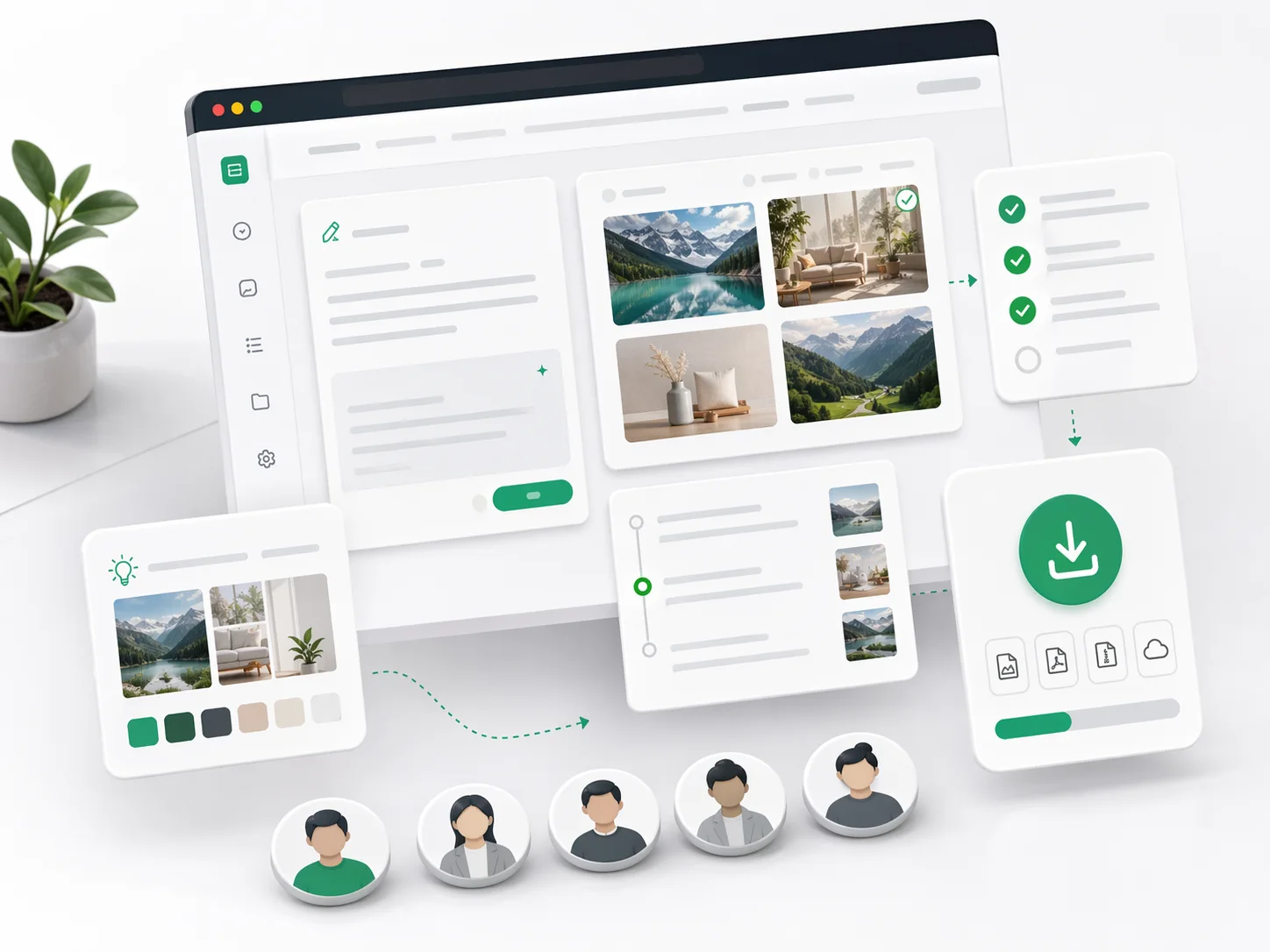
How to Write a Video Prompt
Four steps, in the order that produces a usable take soonest.
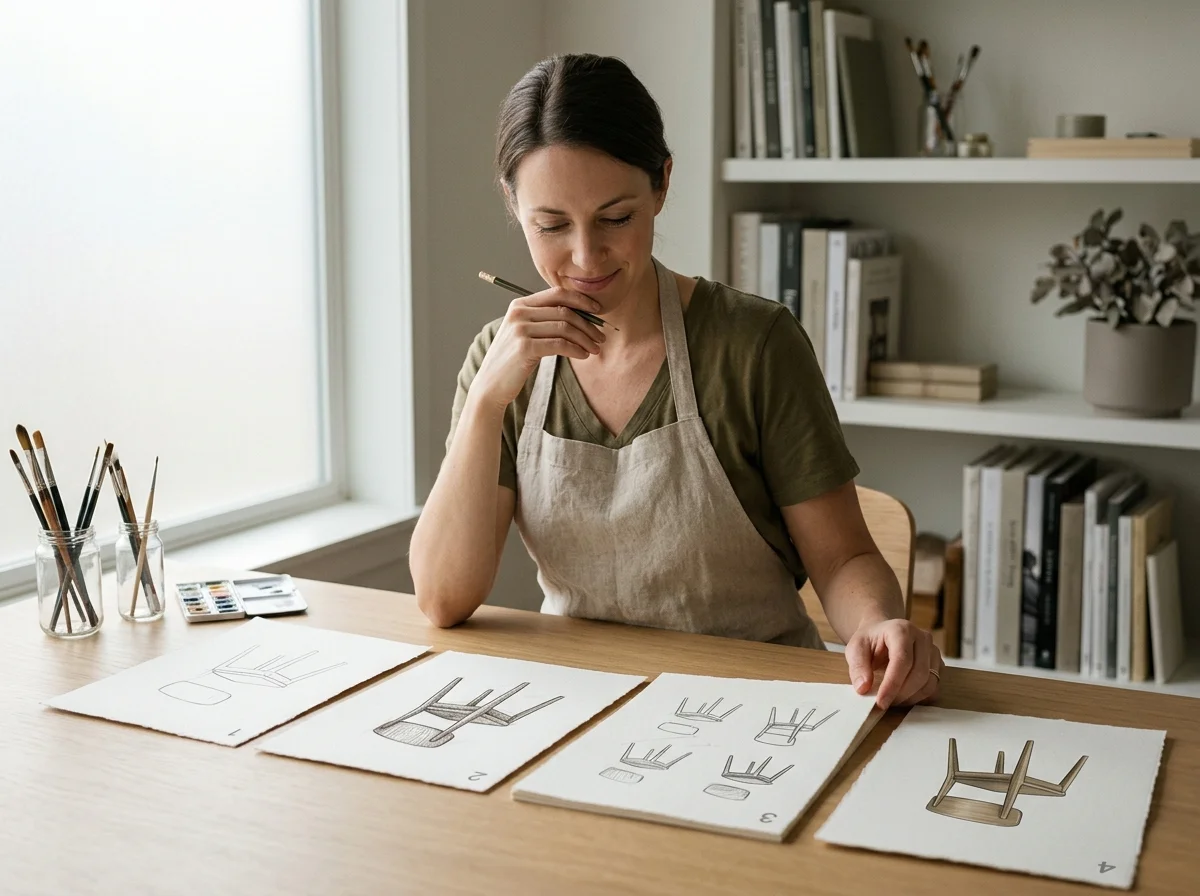
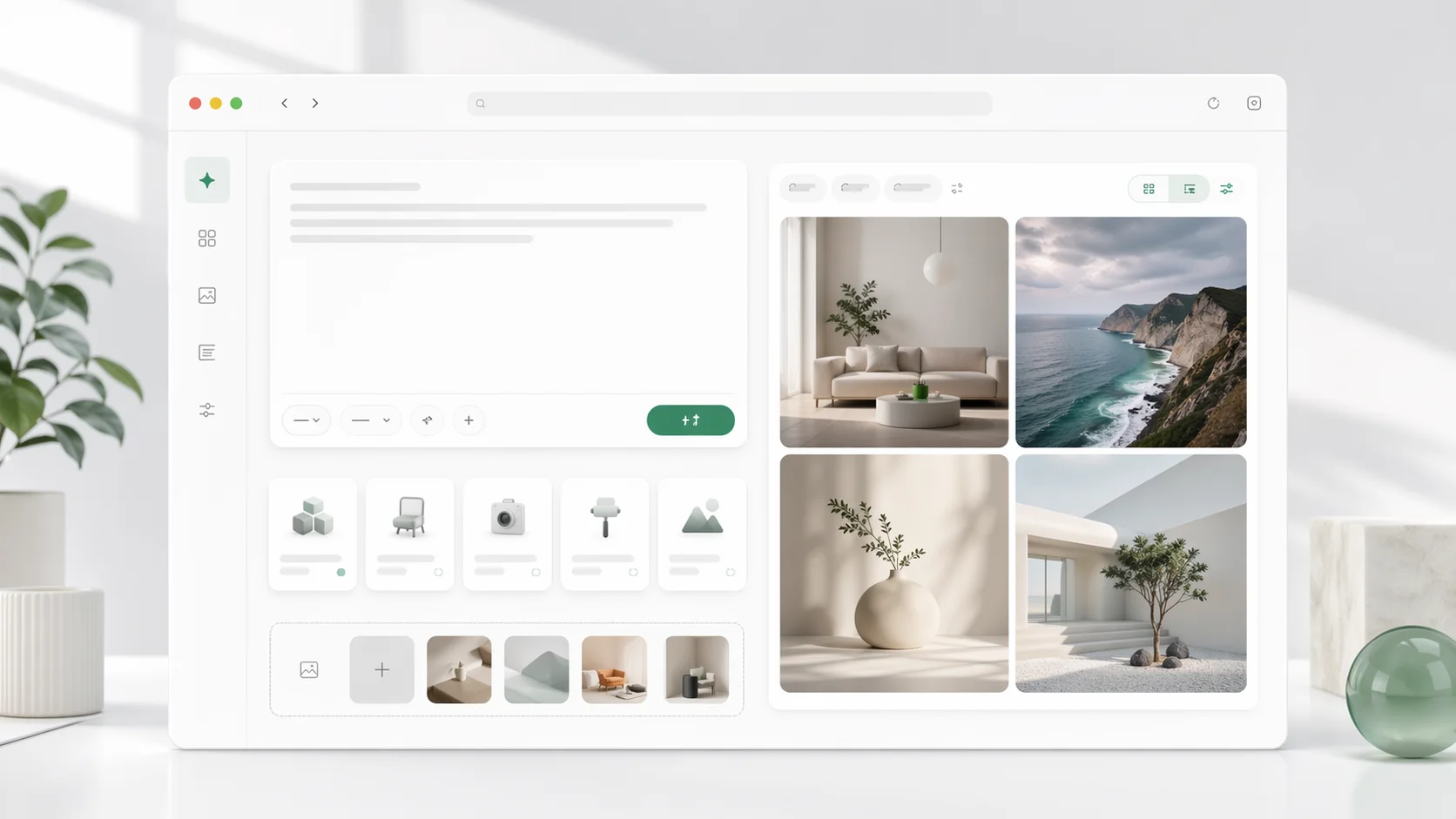
Describe the shot, not the video
One subject, one action, one setting. A clip that tries to be a sequence usually succeeds at neither half.
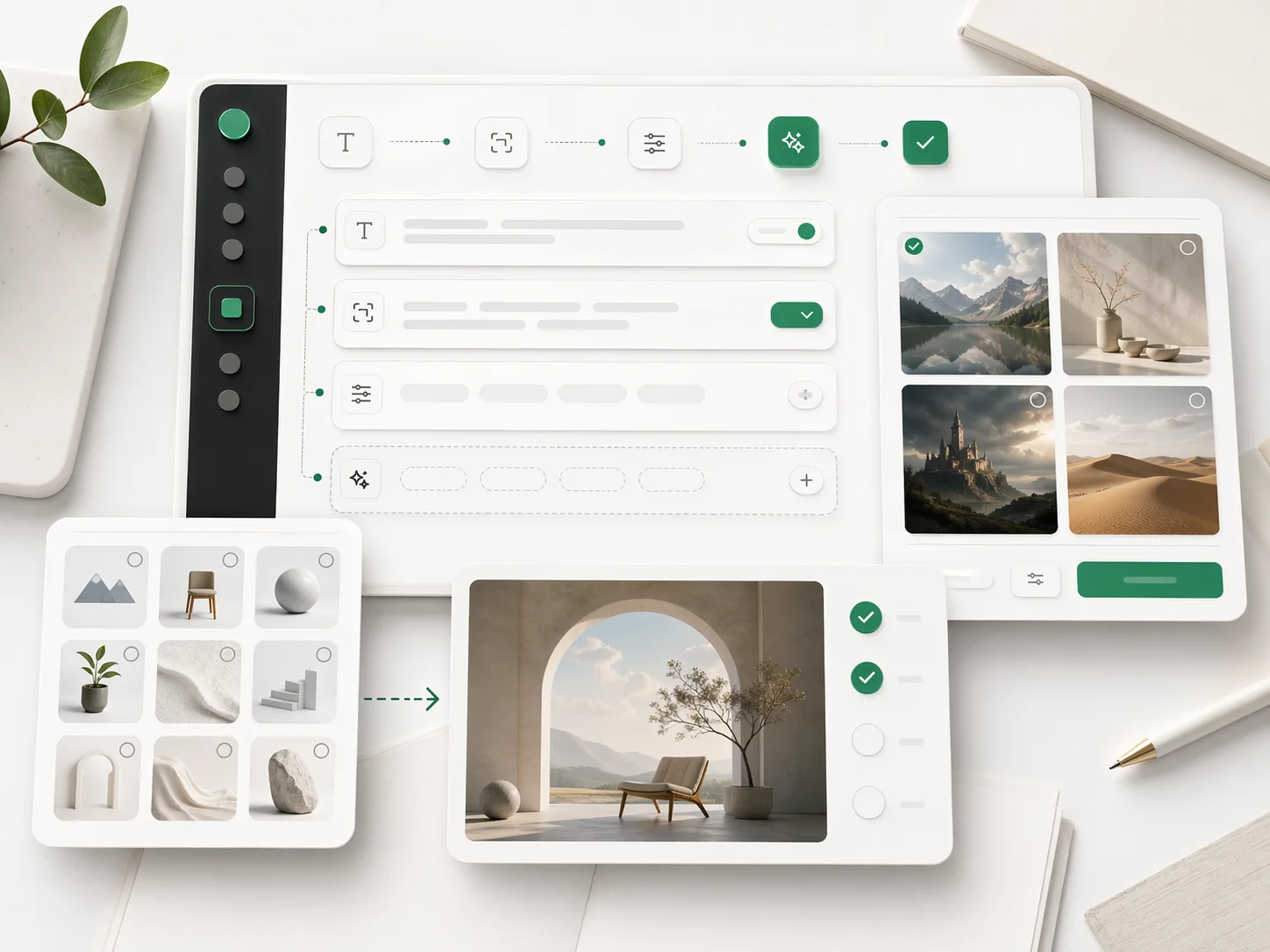
Add the camera move
Pick one. Two stacked directions fight each other and the result reads as neither.
Set duration and ratio before running
Both change how the scene is framed, so choosing after means regenerating.
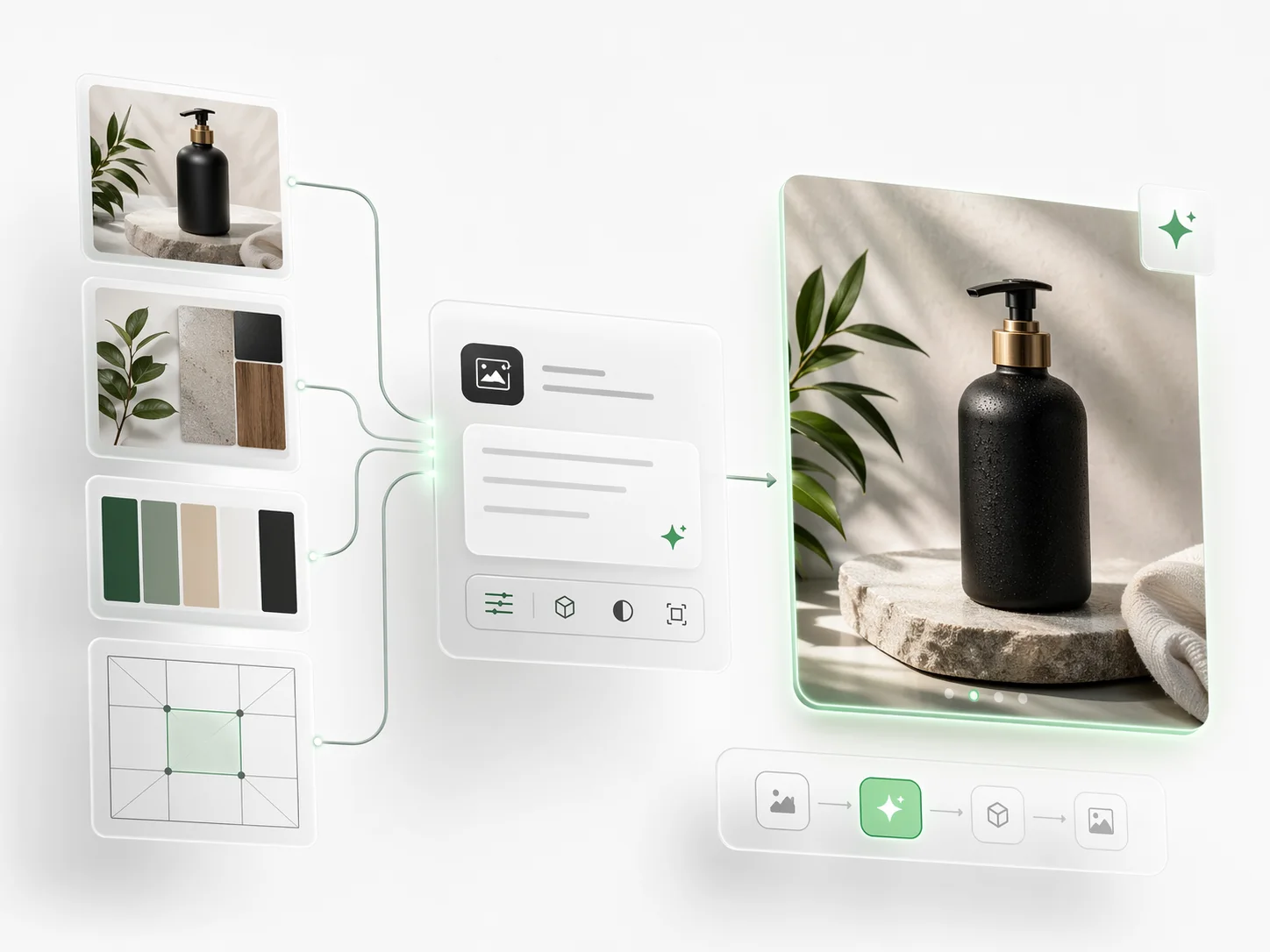
Diagnose before rewriting
Decide whether the subject, the motion or the look failed, then change only that field.
GPT Image Prompt Video Generator Features
What the generator accepts when the output has to move.
Text-to-video generation
Produce a clip from a written scene with no source asset.
Image-to-video input
Animate a supplied frame and spend the prompt on motion.
Camera direction
Named moves - pan, push-in, orbit, tracking - read from the prompt.
Duration control
Set the clip length the edit needs rather than accepting a default.
Aspect ratio presets
Vertical, square and wide framed from the start.
Prompt history with results
Every generation keeps the prompt that produced it.
GPT Image Prompt Video Generator in numbers
What a run costs and returns
Available in the form today, each priced in the same credits.
Per run, depending on the model and length chosen.
Video covered per credited run, by model.
Includes a commercial licence for what you make.
The longest prompt every model on this page accepts.
Frequently Asked Questions About GPT Image Prompt
Answers for people searching GPT Image Prompt examples, templates, reference workflows, and prompt-writing best practices.
Write a Prompt That Moves
Take a prompt that works as a still, add motion and camera, and generate the shot.