


GPT Image Prompt Text to Image Testing
Write structured GPT image prompts, generate images, and refine results with templates and reference-image guidance.

Testing a GPT Image Prompt on Text to Image
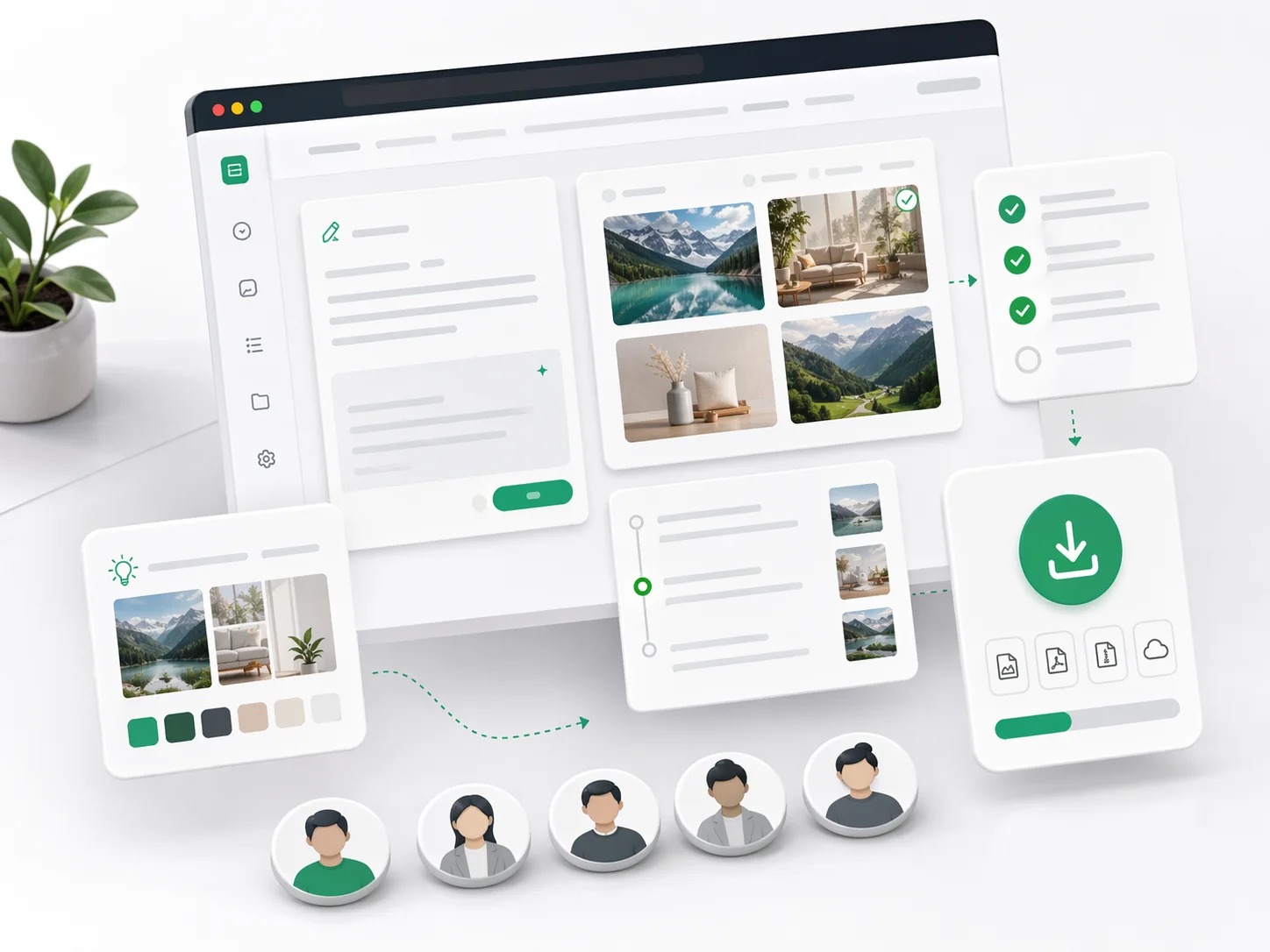
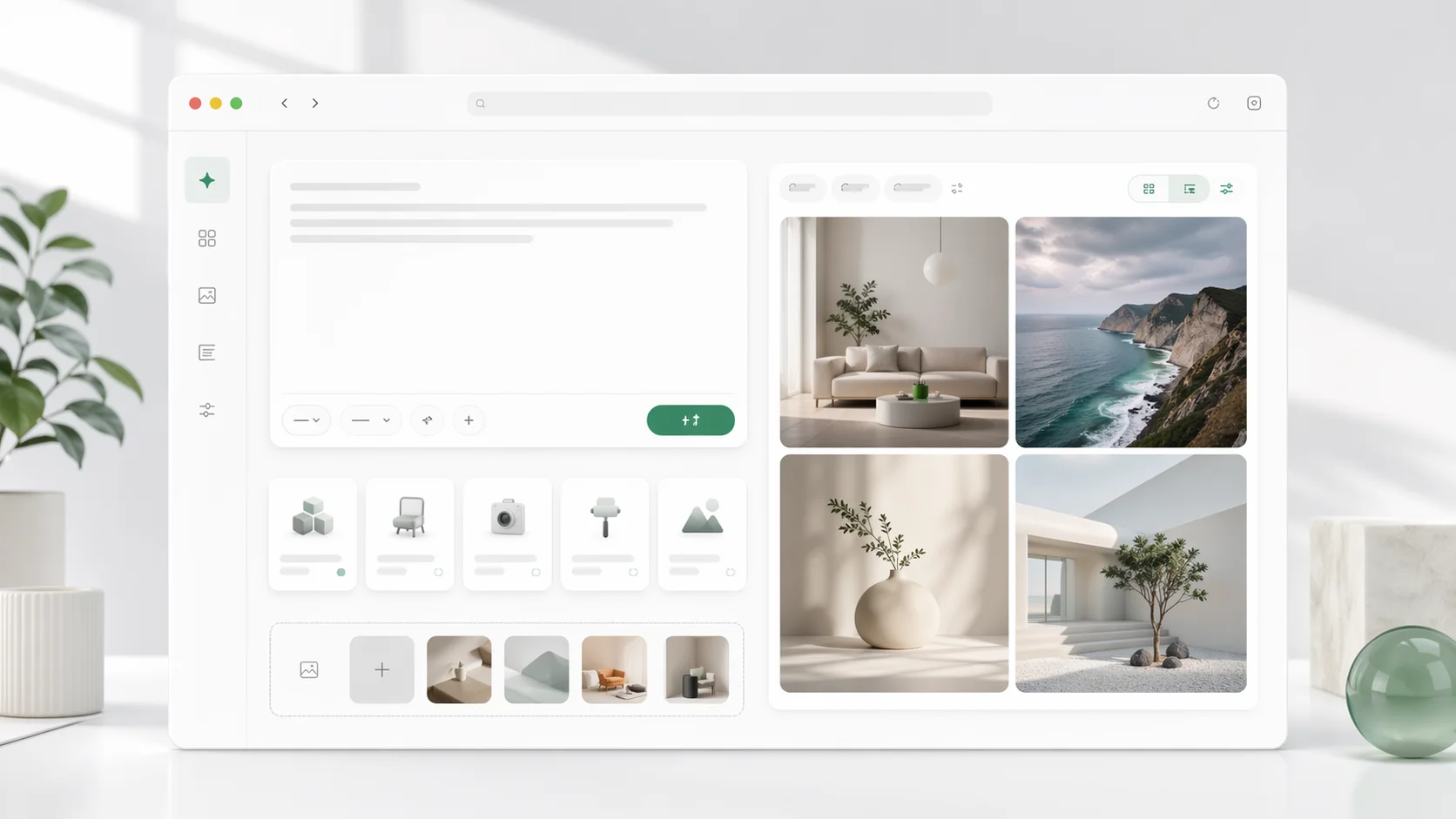
GPT Image Prompt text to image testing is where a prompt stops being theory. Write the prompt, generate, and read what came back; the workspace keeps the prompt beside its result so a refinement is a change you can point at.
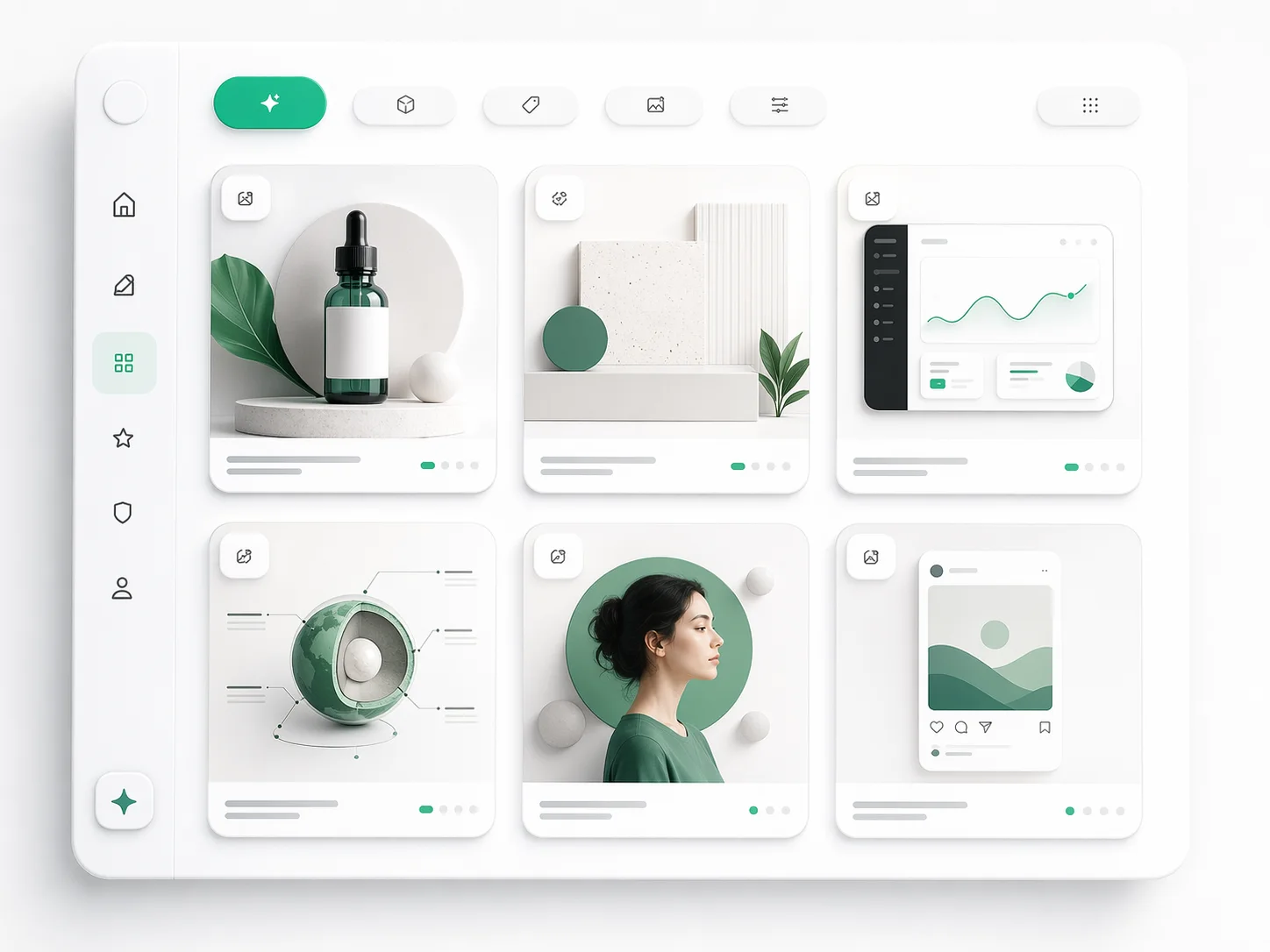
Prompt and result side by side
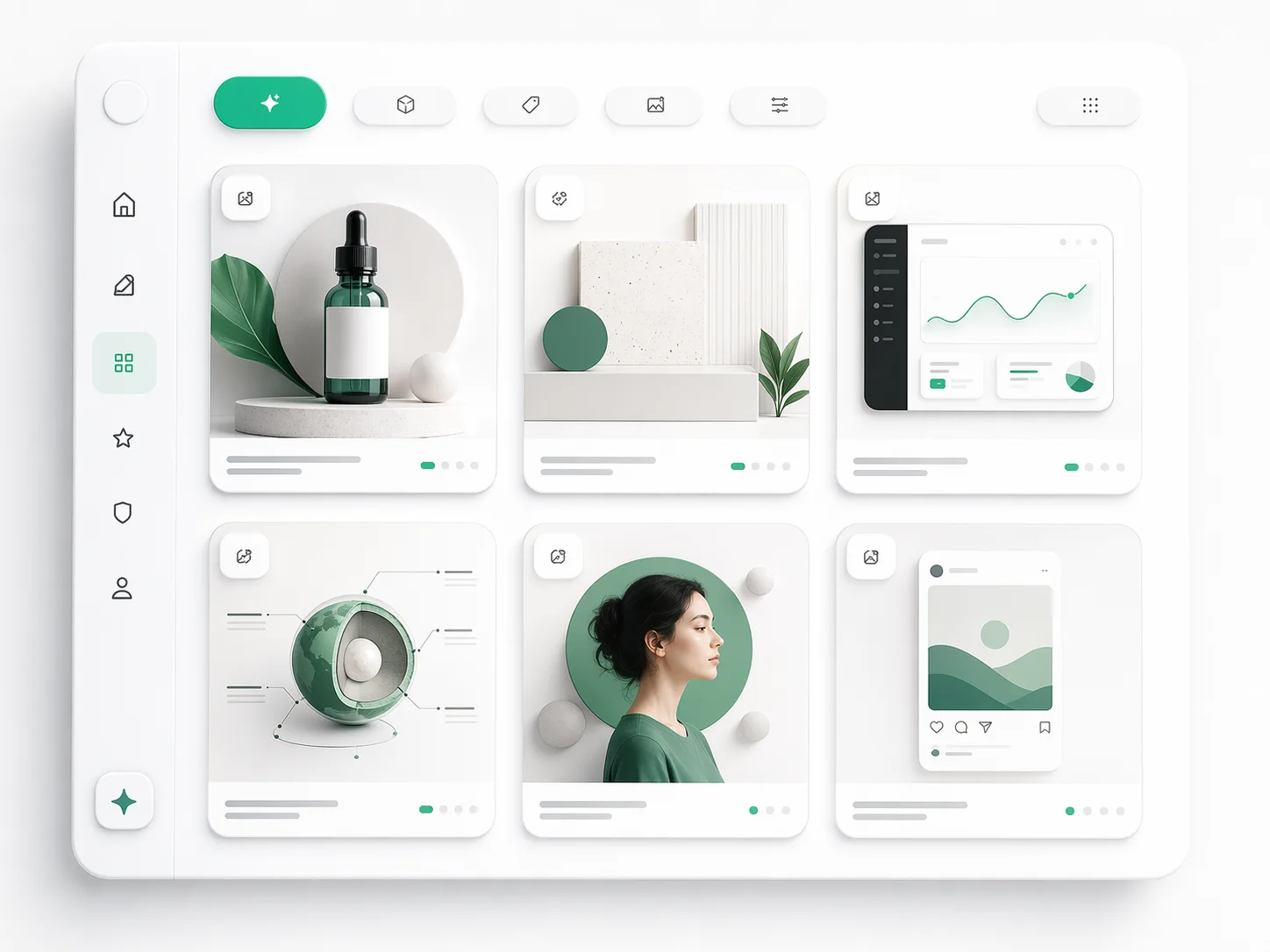
The text that produced an image stays attached to it, so comparing two attempts is comparing two prompts rather than remembering which was which.

Change one field, regenerate
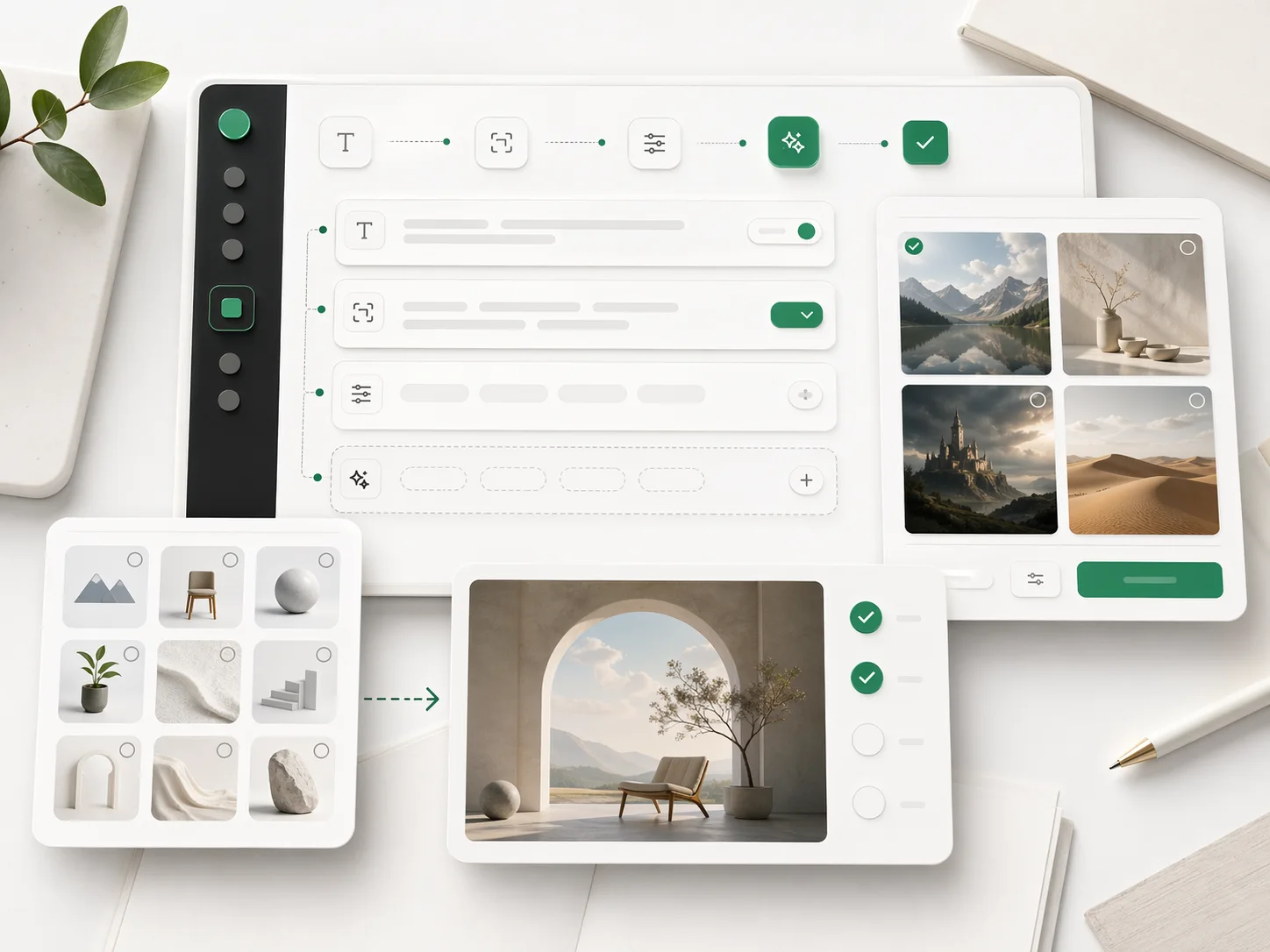
Subject, lighting, composition and palette are separable. Moving one at a time is how you learn which field was actually costing you the result.
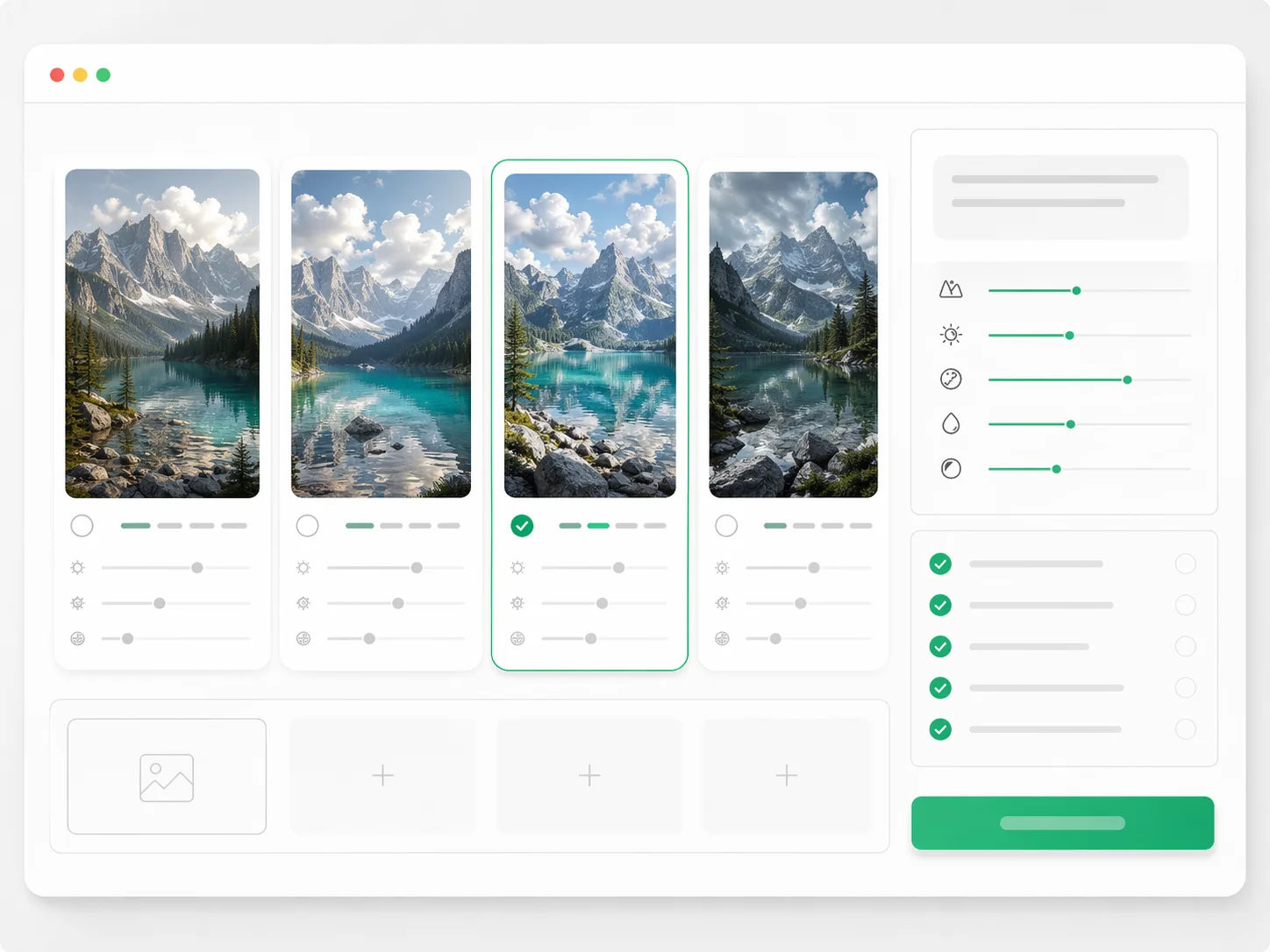
Reference images as a prompt input
Attach a reference and describe how it should influence the output - style, palette, composition - instead of describing the reference itself.
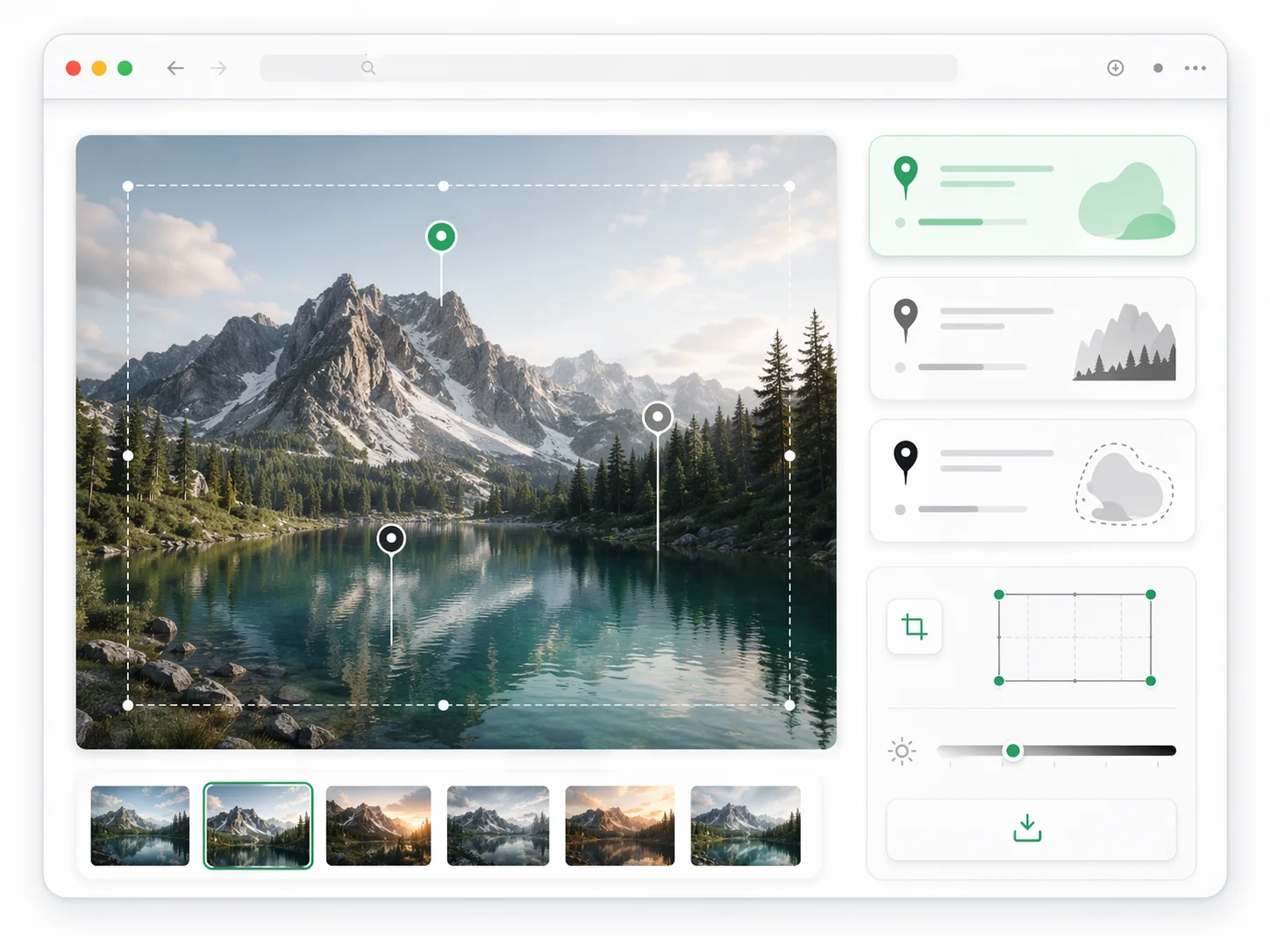
Exact text handled separately
Words that must appear in the image are given as literal strings, not buried in visual description where they get paraphrased.
Why Test Prompts Against Real Generations
A prompt formula is only worth something once it has survived contact with an actual model.
How to Test a Text to Image Prompt
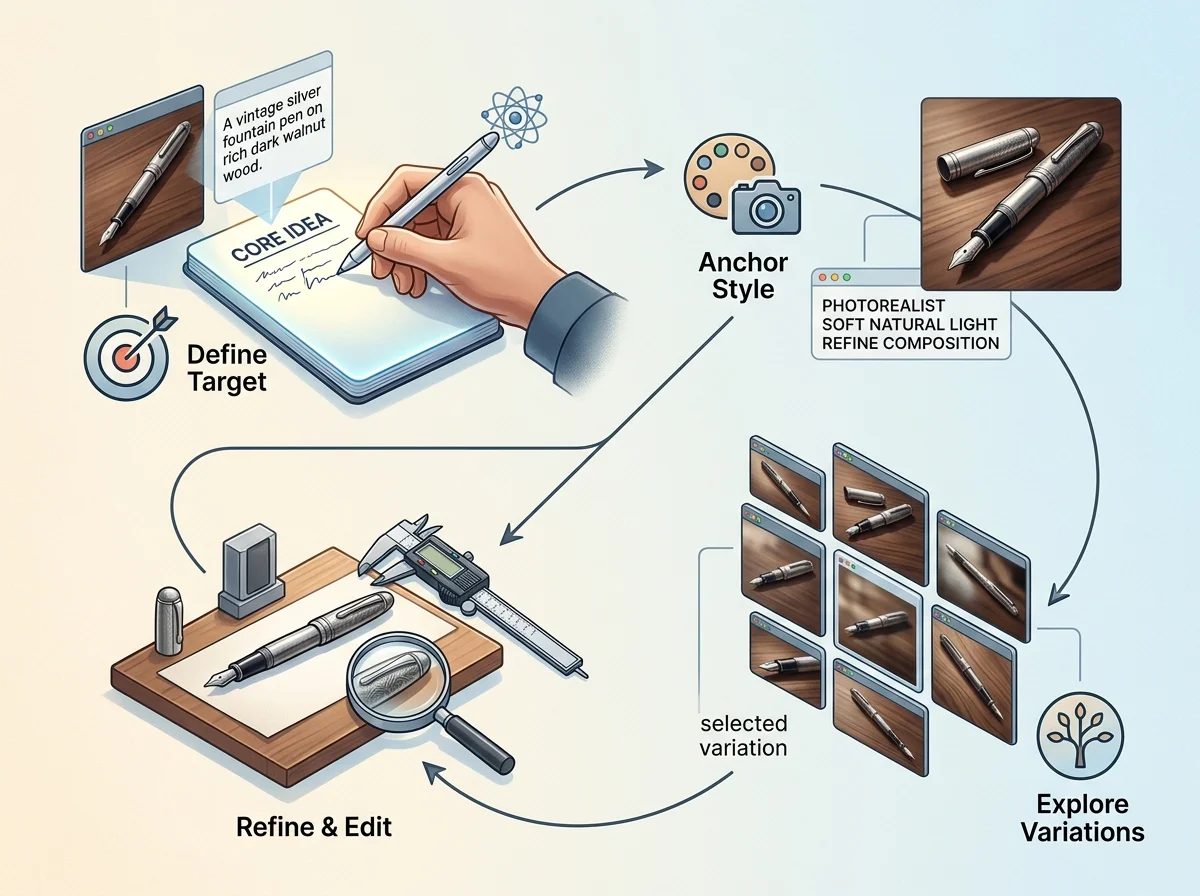
Four steps that turn a prompt draft into a template worth keeping.
Write the deliverable first
Name the image type, format and purpose before any style words. A hero image and a thumbnail need different prompts for the same subject.
Generate before refining
The first result tells you which fields the model ignored. Refining a prompt you have not run is guessing at that.
Vary one field across a set
Generate the same prompt with three lighting values, or three compositions. The comparison is the lesson.

Save what worked, with the result
A template is only reusable if you can see what it produced. Keep the pairing.
GPT Image Prompt Text to Image Features
What the workspace gives you for turning prompts into repeatable results.
Prompt-to-image generation
Run a drafted prompt and see the result without leaving the editor.
Field-by-field prompt structure
Subject, medium, setting, composition, lighting, palette and constraints as separable inputs.
Reference image input
Attach visuals and describe how they should steer the generation.
Literal text handling
Exact in-image wording kept apart from visual description.
Variation sets
Generate controlled alternatives that differ in one field.
Prompt history with results
Every attempt keeps the image it produced, so refinements are traceable.
GPT Image Prompt in numbers
What a run costs and returns
Available in the form today, each priced in the same credits.
Per run, depending on the model and length chosen.
Includes a commercial licence for what you make.
The longest prompt every model on this page accepts.
Frequently Asked Questions About GPT Image Prompt
Answers for people searching GPT Image Prompt examples, templates, reference workflows, and prompt-writing best practices.
Test Your Text to Image Prompt
Draft it, generate it, and refine on evidence rather than on prompt folklore.