
GPT Image Prompts for Better AI Images
Write sharper GPT Image prompts for product shots, ads, portraits, and social visuals.


What Searchers Need from a GPT Image Prompt
Most GPT Image Prompt searches are practical: users want a prompt formula, examples by use case, reference-image guidance, and a place to test variations without rewriting from scratch.

Prompt Anatomy
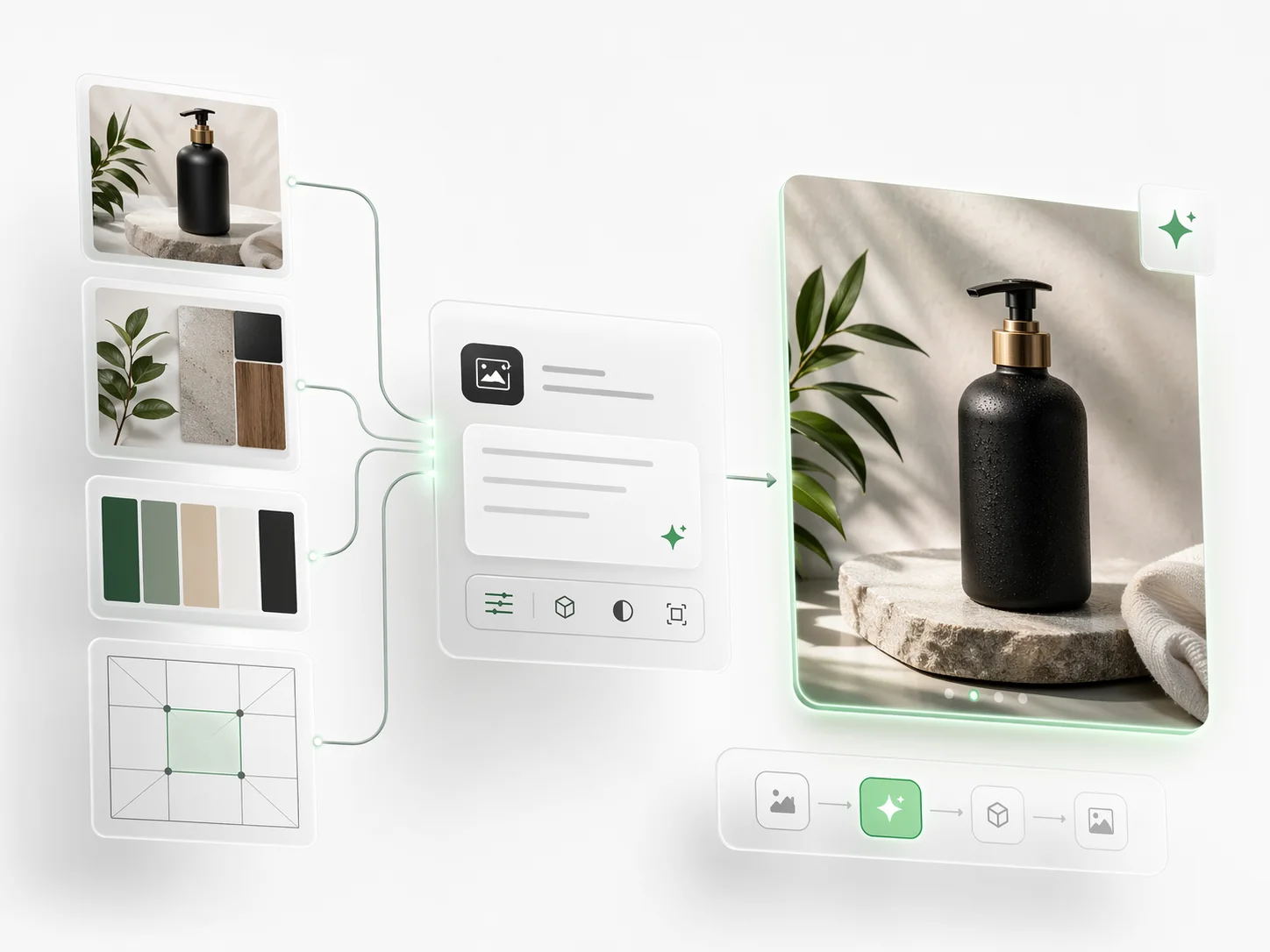
Start with subject, medium, setting, composition, lighting, palette, output format, and negative constraints so the model receives clear visual direction.
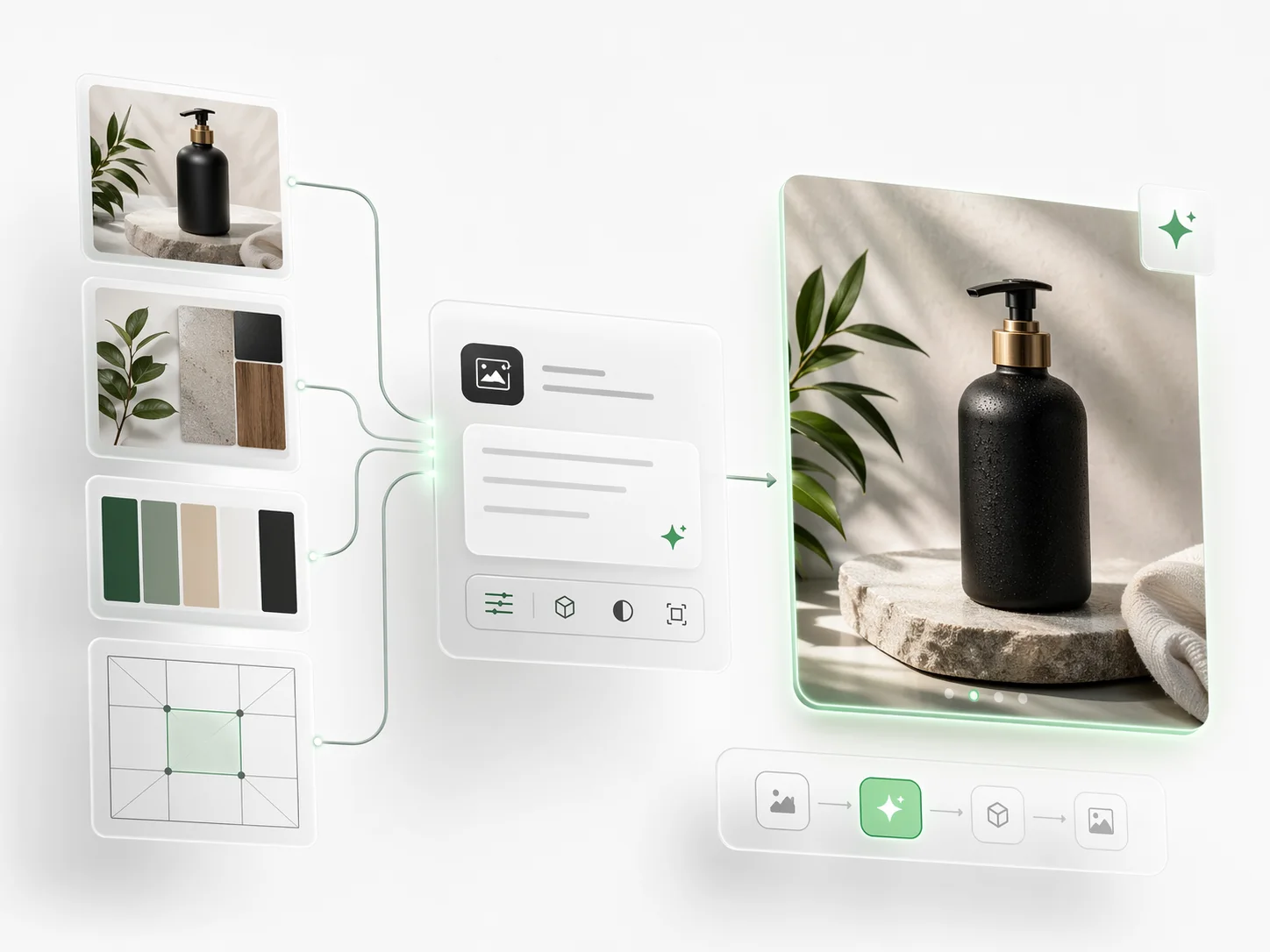
Copy-Ready Templates
Use structured prompts for product photography, ad creatives, editorial images, icons, UI mockups, diagrams, and character scenes.
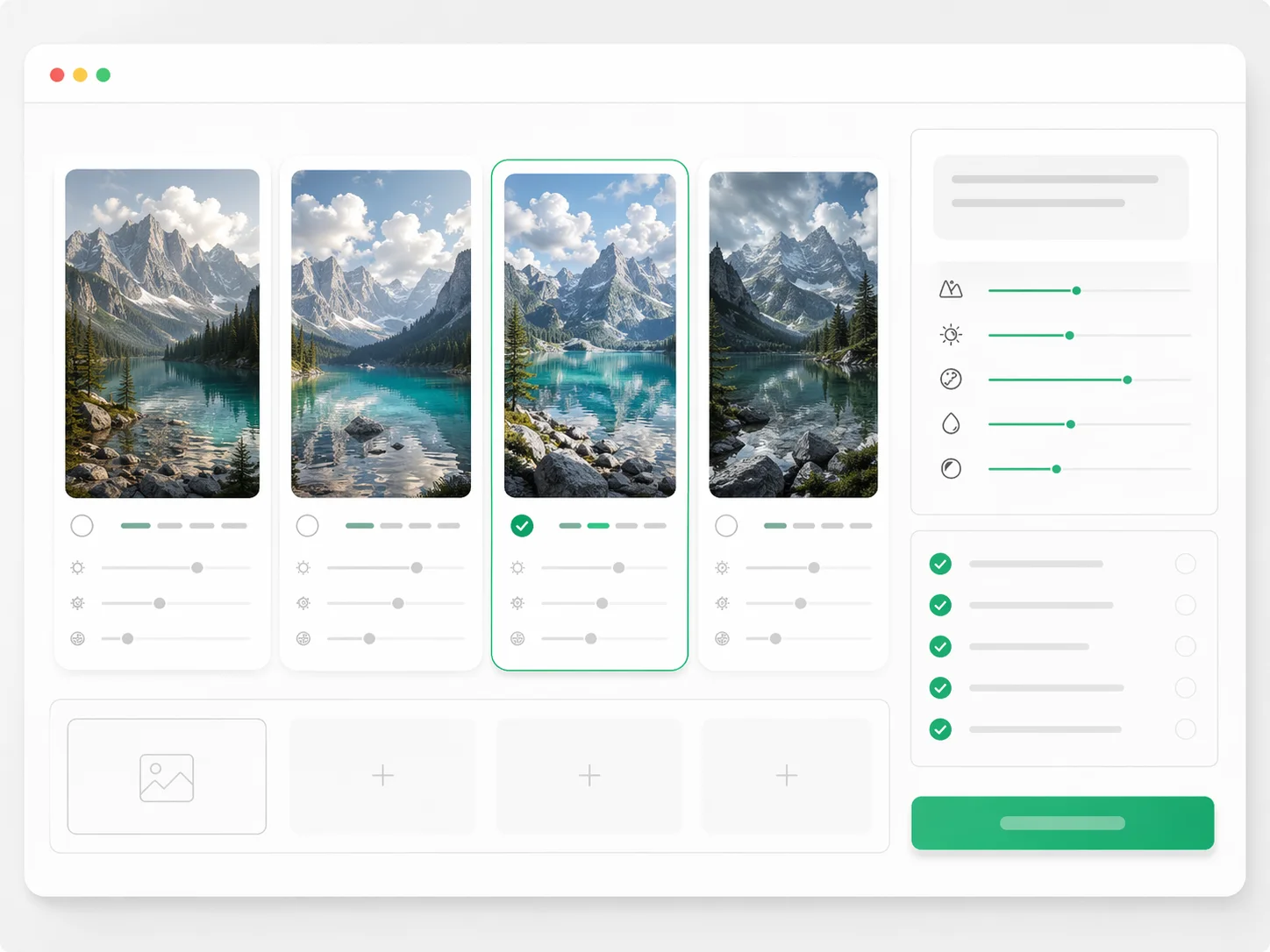
Reference-Aware Inputs
Add reference images when brand style, product detail, palette, or composition matters more than a text-only description.
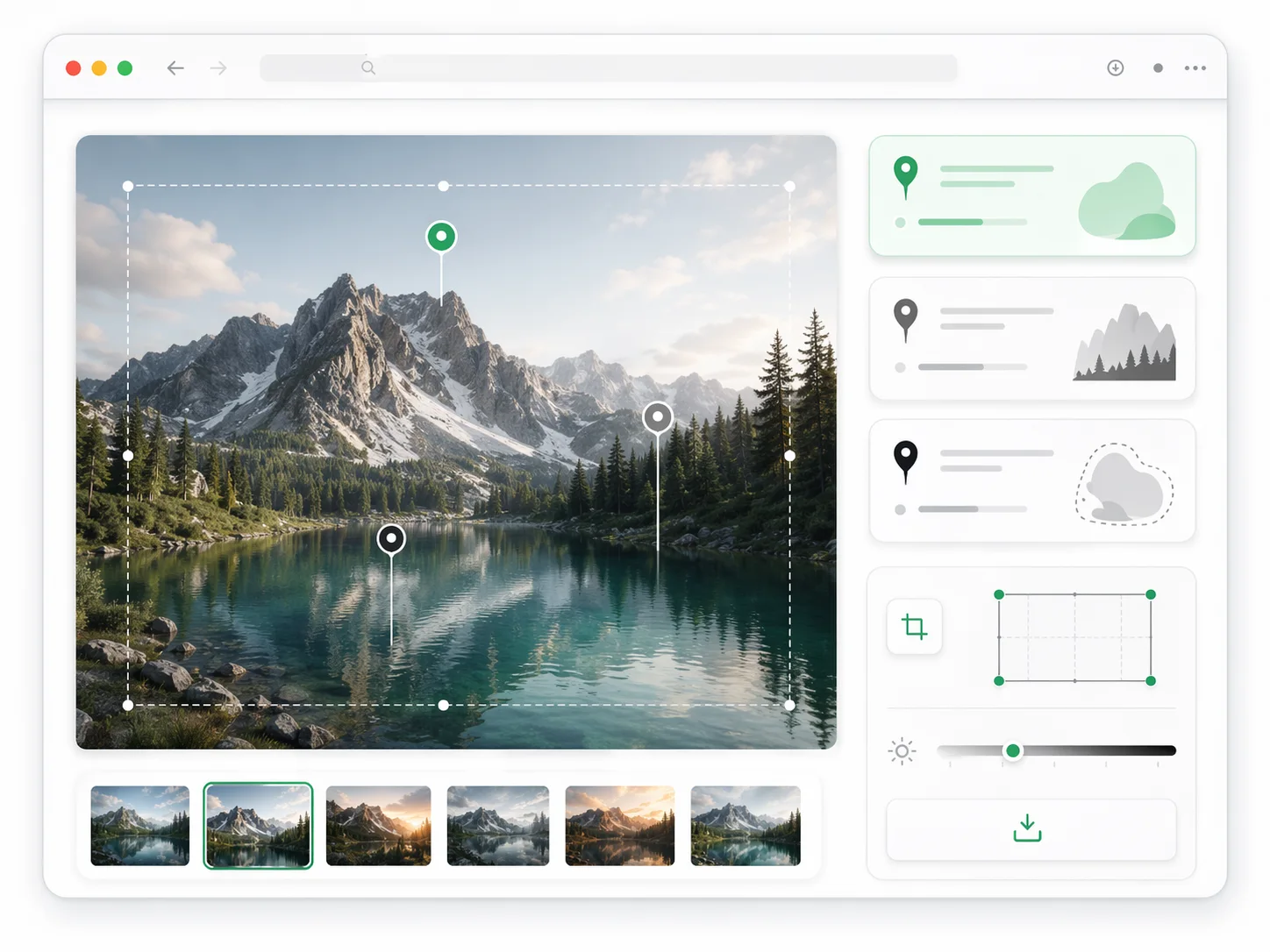
Iteration Notes
Record what changed between versions so refinements stay targeted instead of turning every new prompt into a full reset.
Why GPT Image Prompt Helps Outputs Land Closer to Intent
A good GPT Image Prompt reduces ambiguity before generation and makes every refinement easier to explain, compare, and repeat.
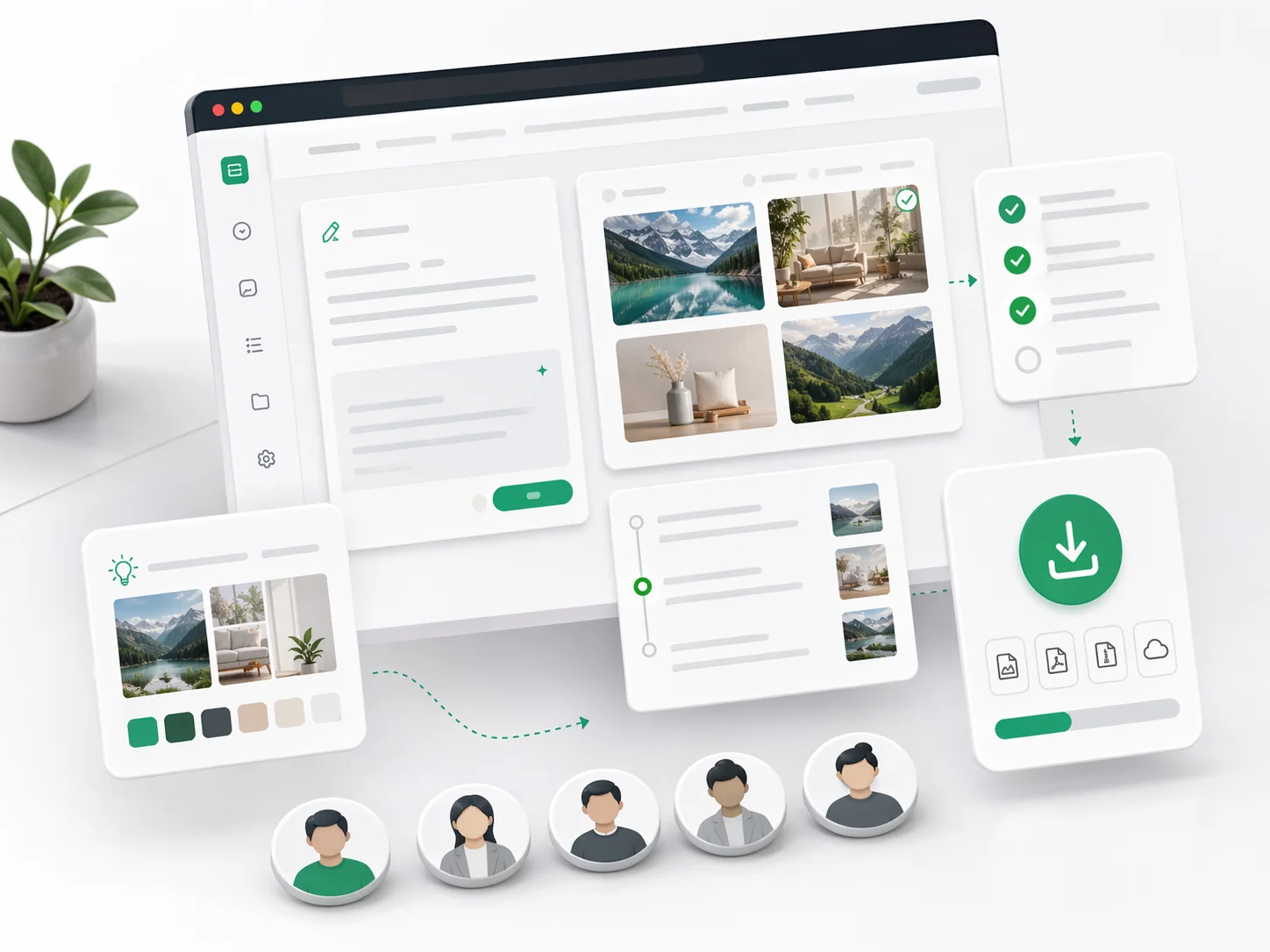
How to Write a GPT Image Prompt That Works
Use a repeatable four-step loop: specify the visual target, anchor style, generate variations, then refine with one focused change at a time.
Describe the Deliverable
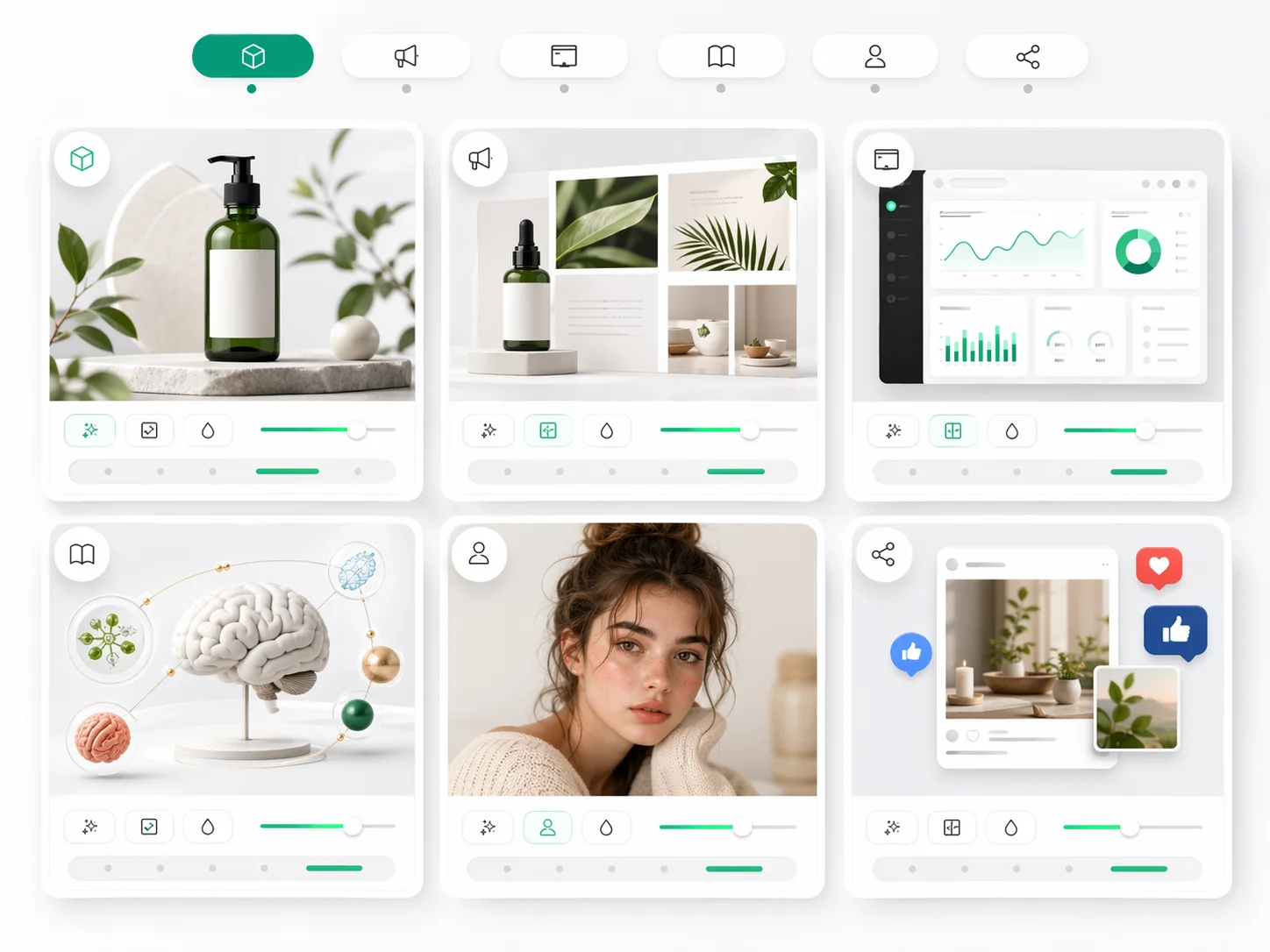
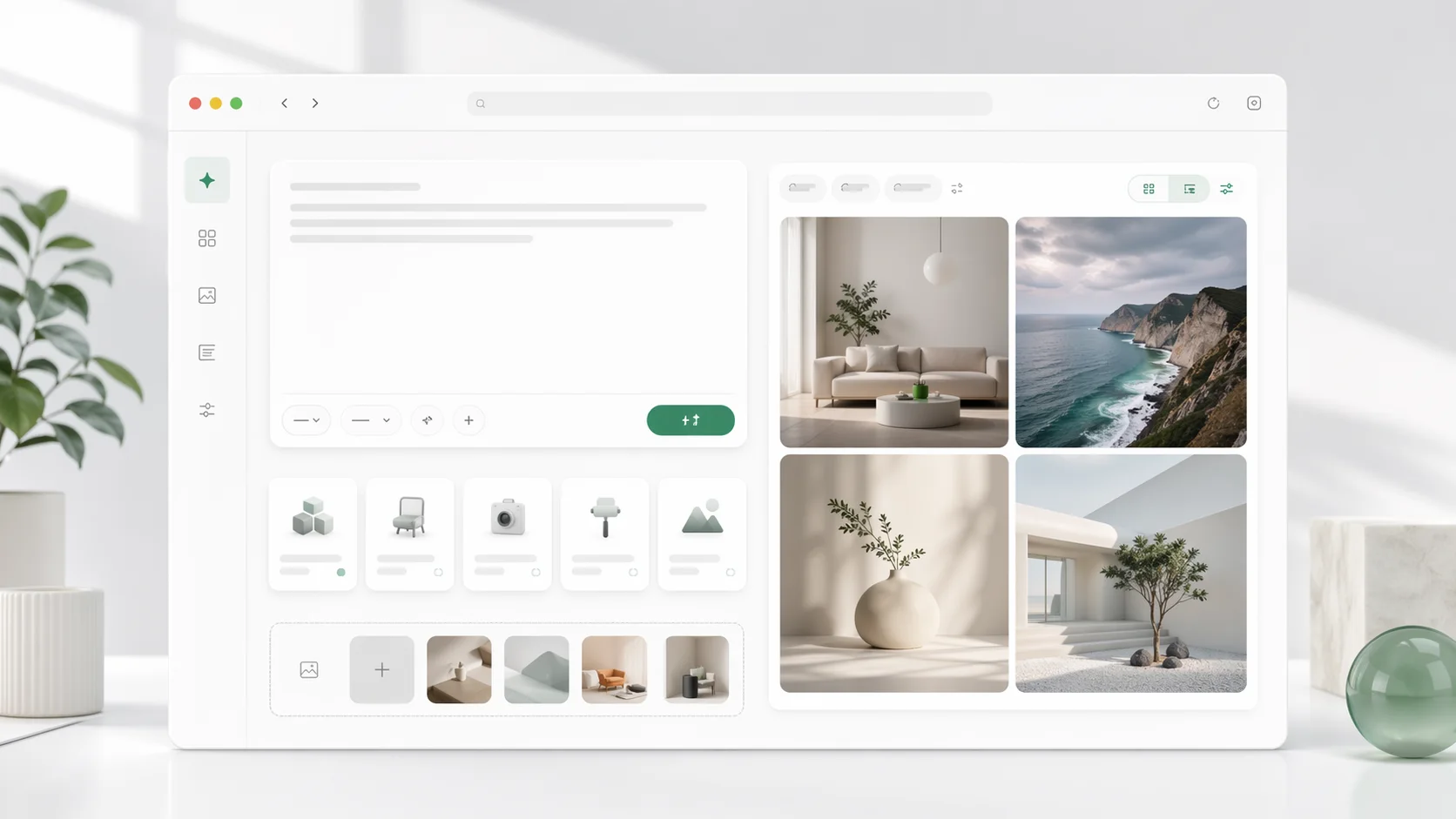
Name the image type, audience, format, and purpose: hero image, product photo, ad creative, avatar, infographic, or UI mockup.
Lock Style and Constraints
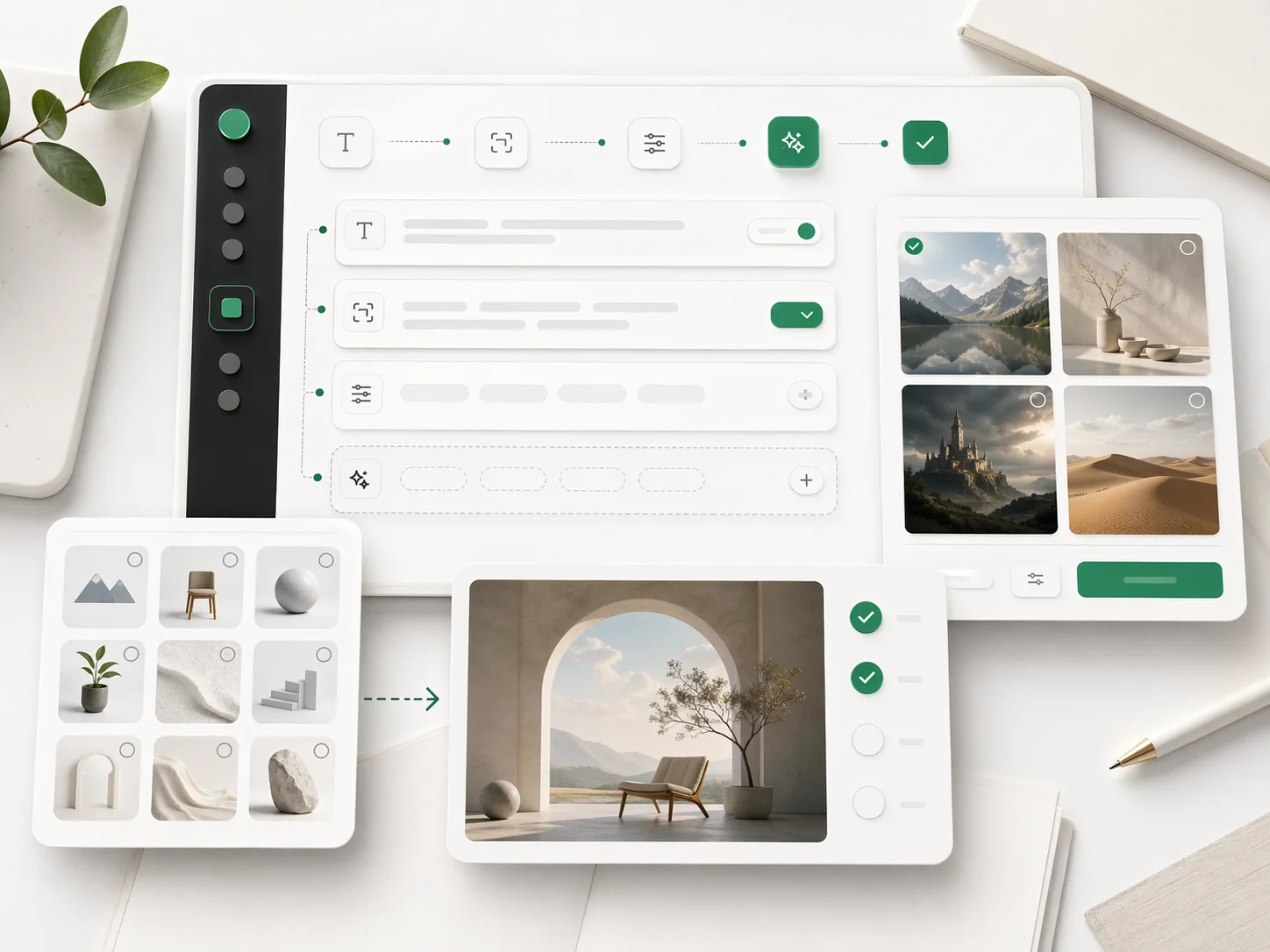
Specify medium, lens or layout, lighting, palette, materials, text rules, aspect ratio, and what should not appear.
Generate Useful Variants
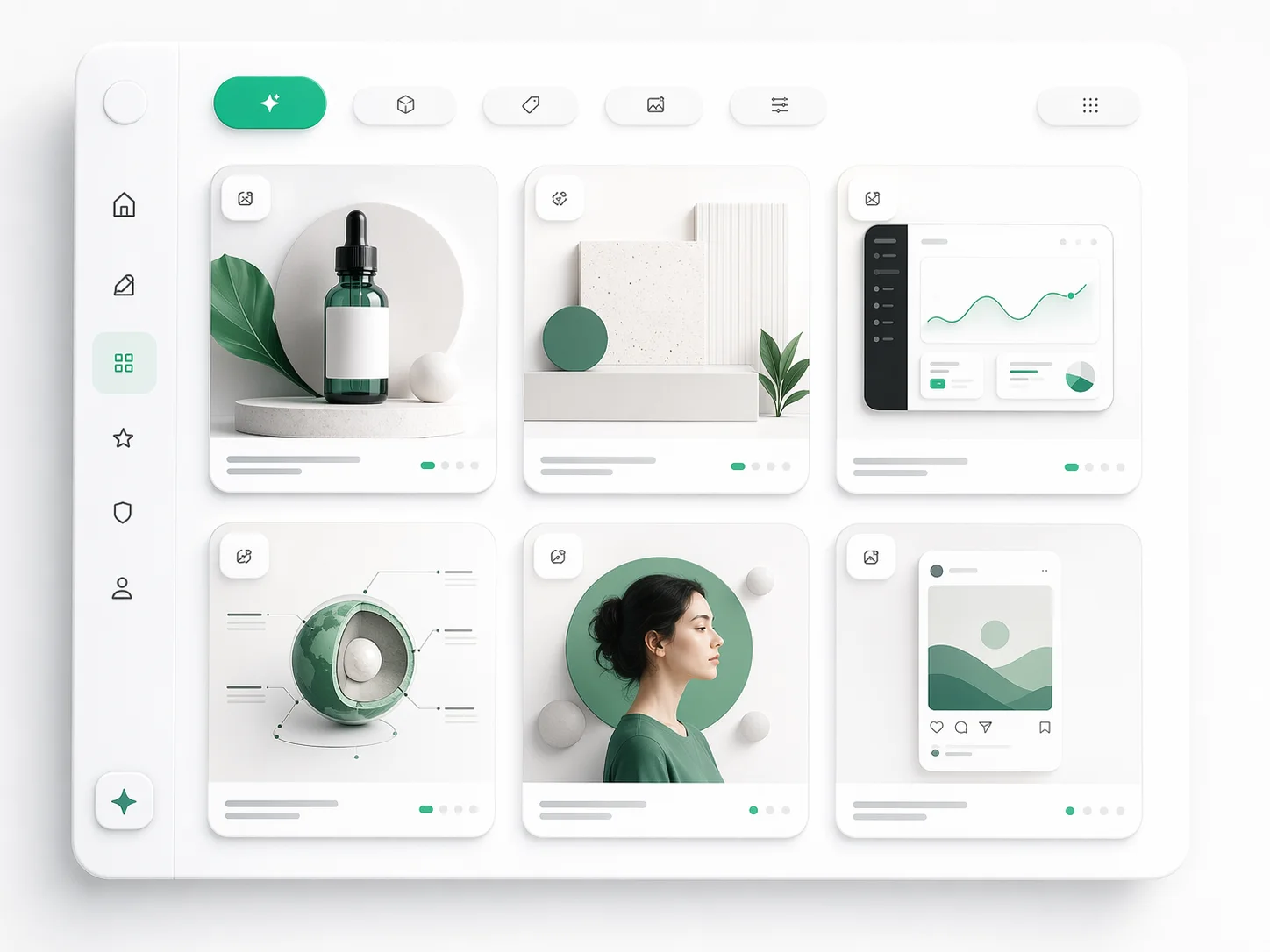
Ask for controlled alternatives, such as different compositions or backgrounds, instead of unrelated random looks.
Refine the Winner
Keep the strongest result and change one thing at a time: crop, lighting, pose, typography, product angle, or background detail.
GPT Image Prompt Features
Prompt-building features for creators who need clearer AI image instructions and faster visual testing.
Prompt Formula Builder
Assemble subject, style, setting, composition, lighting, palette, and constraints into one usable prompt.
Use-Case Prompt Examples
Start from templates for product photography, posters, thumbnails, UI mockups, diagrams, portraits, and social content.
Reference Image Guidance
Write prompts that explain exactly how uploaded references should influence style, layout, or details.
In-Image Text Instructions
Separate exact visible text from visual description so posters, labels, and ad layouts are easier to control.
Variation and Refinement Notes
Track what to keep, change, remove, or intensify between generations.
Prompt Testing Workspace
Move from prompt draft to generated image and back to refinement without losing context.
Built Around Real GPT Image Prompt Intent
The site is organized around the jobs searchers actually bring: learn the structure, copy examples, test prompts, and improve outputs.
Template-First Copy a useful starting point
Copy a useful starting point
Reference-Aware Tell the model what to preserve
Tell the model what to preserve
Iteration-Ready Refine without starting over
Refine without starting over
What Creators Say About GPT Image Prompt
How creators use GPT Image Prompt to turn rough ideas into clearer image-generation instructions.
The template structure makes my first prompt much stronger. I spend less time guessing which detail I forgot.
Maya Ortiz, Creative Lead
Maya Ortiz
Creative Lead
For product launches, GPT Image Prompt helps us separate the visual brief from the refinement notes. That keeps reviews cleaner.
Daniel Wu, E-commerce Operator
Daniel Wu
E-commerce Operator
The reference-image prompts are the difference-maker. They explain what should carry over without overloading the prompt.

Nina Park, Brand Designer
Nina Park
Brand Designer
We can hand clients a prompt, a result, and a short refinement path instead of a vague pile of experiments.

Leo Martins, Agency Founder
Leo Martins
Agency Founder
I use the category examples whenever I need thumbnails, ads, or product scenes quickly.

Aisha Rahman, Content Strategist
Aisha Rahman
Content Strategist
It feels less like guessing magic words and more like writing a clear creative brief for an image model.
Jonas Keller, Independent Creator
Jonas Keller
Independent Creator
Frequently Asked Questions About GPT Image Prompt
Answers for people searching GPT Image Prompt examples, templates, reference workflows, and prompt-writing best practices.
Start with a Better GPT Image Prompt
Write a structured prompt, test it with image generation, then refine the result with clear creative direction.